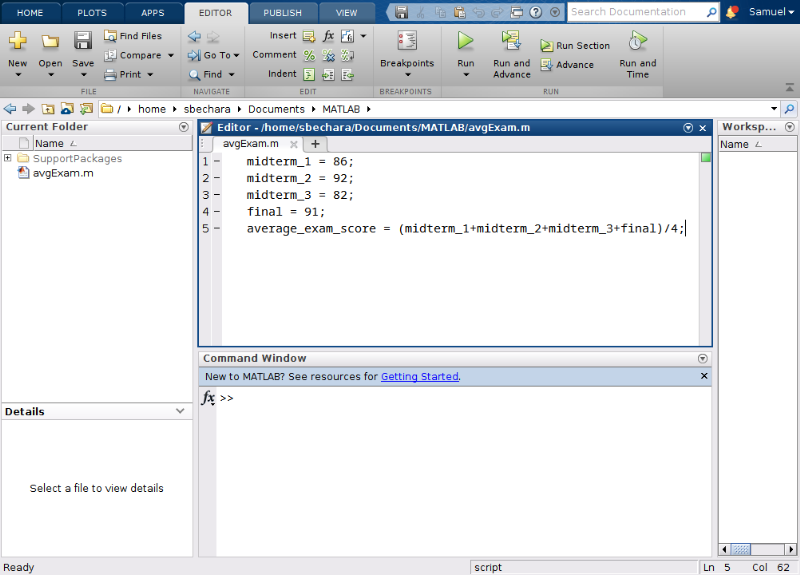
The area labeled “Workspace” and boxed in red above in figure 9.5.1, is the place where MATLAB lets the user know what variables are loaded and available to the user. We will learn about variables below, but for now, you can think of them as a string of letters that can be used to store a number.
In figure 9.5.2 to the left, notice that there are workspace variables. In this case, there are 3: “apples” has the value 10 stored in it, “bananas” has the value 20 stored in it, and “pie” has pi stored in it.
Again, you will learn later how to create your own variables and use them, but for now, it is just important that you understand how MATLAB displays the information to you about what variables are currently defined and what numbers they contain.