TurtleSim is the standard 2D simulator shipped with ROS 2. It presents a simple turtle inside a 2D canvas, making it an ideal testing ground for learning pub/sub control dynamics before deploying code to real hardware (like a Differential Drive mobile robot or a TurtleBot).
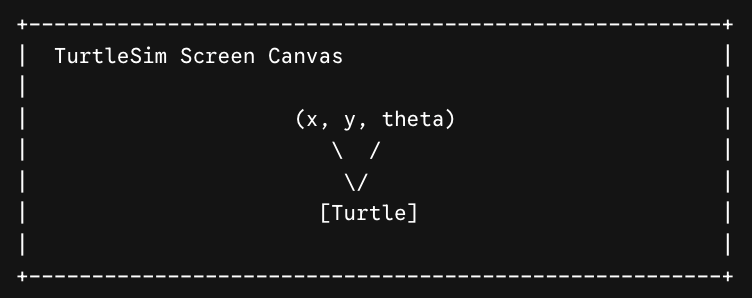
Picture a simple screen canvas with a single turtle icon drawn on it. The turtle’s state is described by its pose \((x, y, \theta)\text{:}\) its 2D position on the canvas and the heading angle it currently faces.
/turtle1/cmd_vel (geometry_msgs/msg/Twist): Subscribed by TurtleSim. Publishing linear velocity (\(v\)) and angular velocity (\(\omega\)) moves the turtle.
/turtle1/pose (turtlesim/msg/Pose): Published by TurtleSim. Provides the turtle’s current 2D coordinates \((x, y)\) and heading orientation (\(\theta\)).