# Load libraries for web scraping
from bs4 import BeautifulSoup
import requests

# Get a soup from a URL
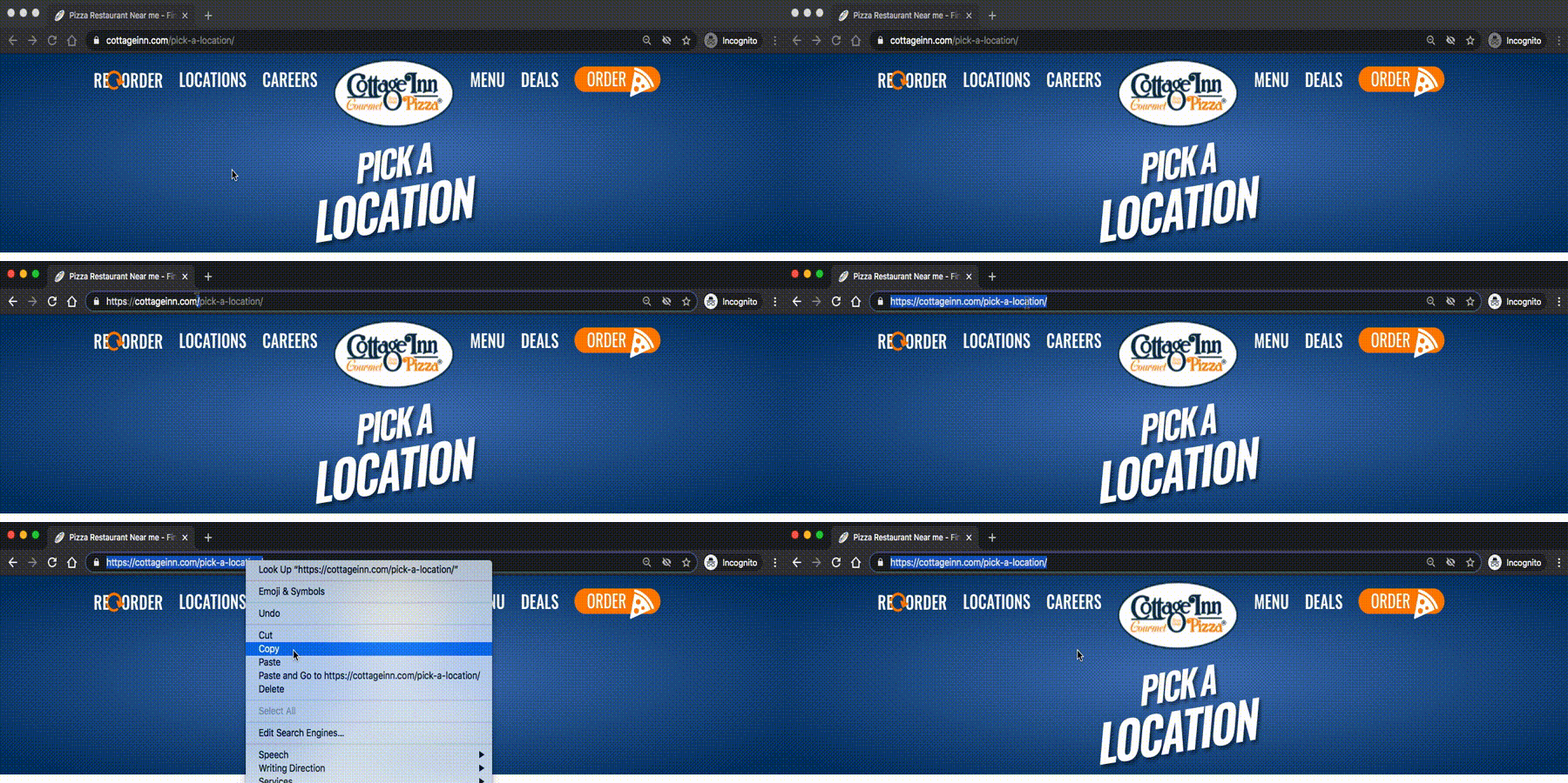
url = 'https://web.archive.org/web/20200427175705/https://cottageinn.com/pick-a-location/'
r = requests.get(url)
soup = BeautifulSoup(r.content, 'html.parser')
If you wanted to get a soup from the MDen homepage instead of the Cottage Inn location page, which part(s) of the code below would you change? Click on those part(s) of the code.
Check out the example of this plan above to identify the area that should be changed.
# Load libraries for web scrapingfrom bs4 import BeautifulSoupimport requests# Get a soup from a URLurl =’https://web.archive.org/web/20200427175705/https://cottageinn.com/pick-a-location/’r = requests.get(url)soup = BeautifulSoup(r.content, ’html.parser’)