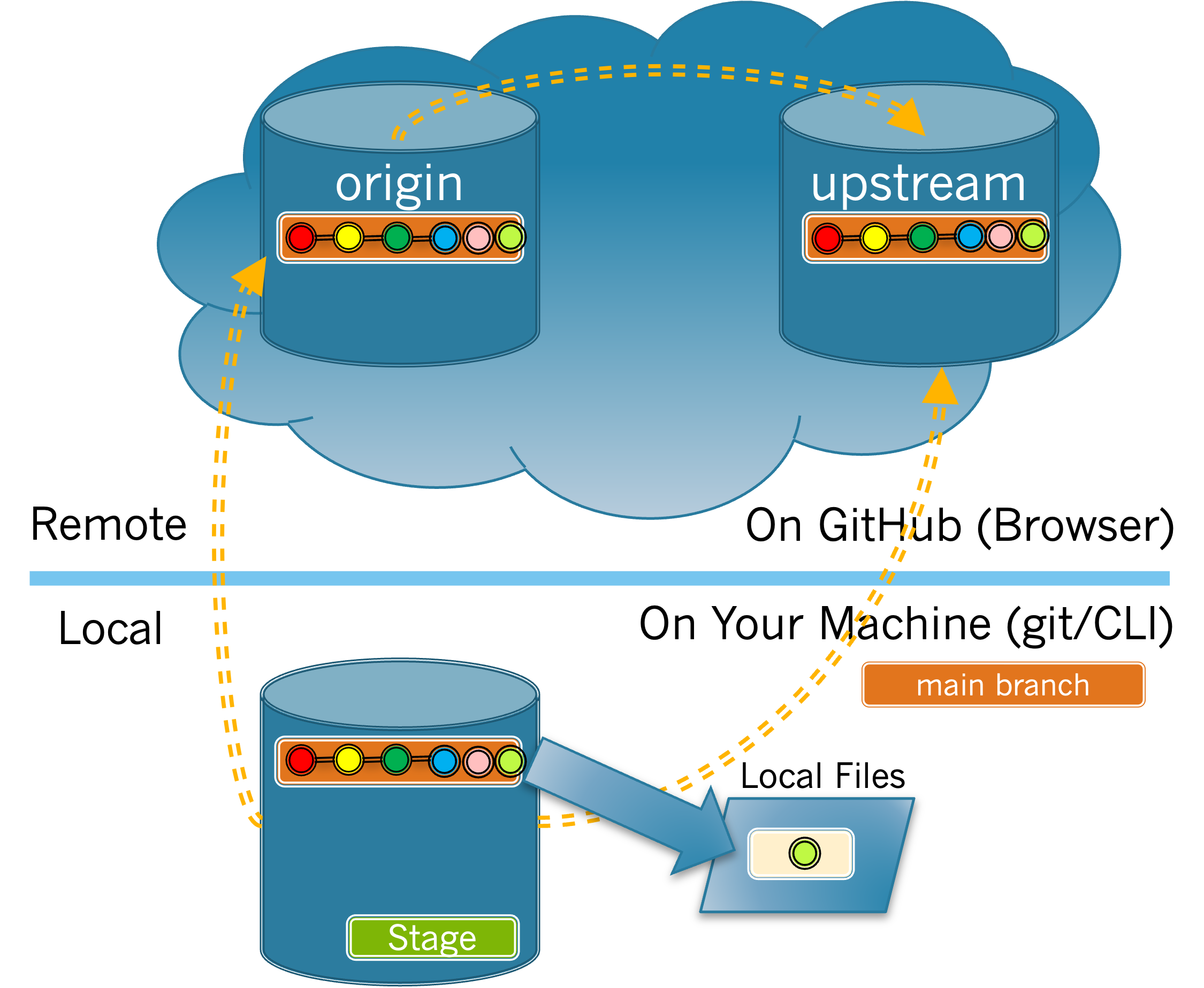
Once your changes have been merged into the upstream main, and you have synchronized, there is no need for you to retain your feature branch. There is no harm in keeping it. But most developers will delete them to avoid having their repos become cluttered with old feature branches.
Deleting a feature branch is a two step process, first you will delete the feature branch from your local repository. Then you will push that deletion from your local branch to your origin, in order to delete it there as well.
Subsection4.6.1Deleting a Feature Branch from your Local Repo
The first step in deleting a feature branch is to delete the feature branch from your local repository. The exercises in this section will walk you through that process.
Choose and order the commands below to switch from your feature branch to the main branch and then list all of the branches in your local repository. Not all commands will be used.
Subsection4.6.2Deleting a feature branch from your origin
In the previous exercise you deleted your feature branch from your local repository. But you have not yet deleted that feature branch from your origin repository on GitHub. The tasks in this exercise will walk you through that process.
First, let’s confirm that your feature branch still exists in your origin. How can you check if your feature branch exists in your origin repo on GitHub?
Use your browser as you did in Exercise 4.6.2.1 to confirm that your feature branch is deleted from your origin repo on GitHub. If it has not been deleted, revisit Exercise 4.6.2.2 and Task 4.6.2.3.a and try again.